Conversation & AI chat
Prompts and conversation to explore together. AI can get things wrong; use it for engagement, never as clinical advice.

TESS by TruSelv
Communication, entertainment and meaningful engagement, together in one welcoming tablet experience. Meet the Therapeutic Engagement and Support System.
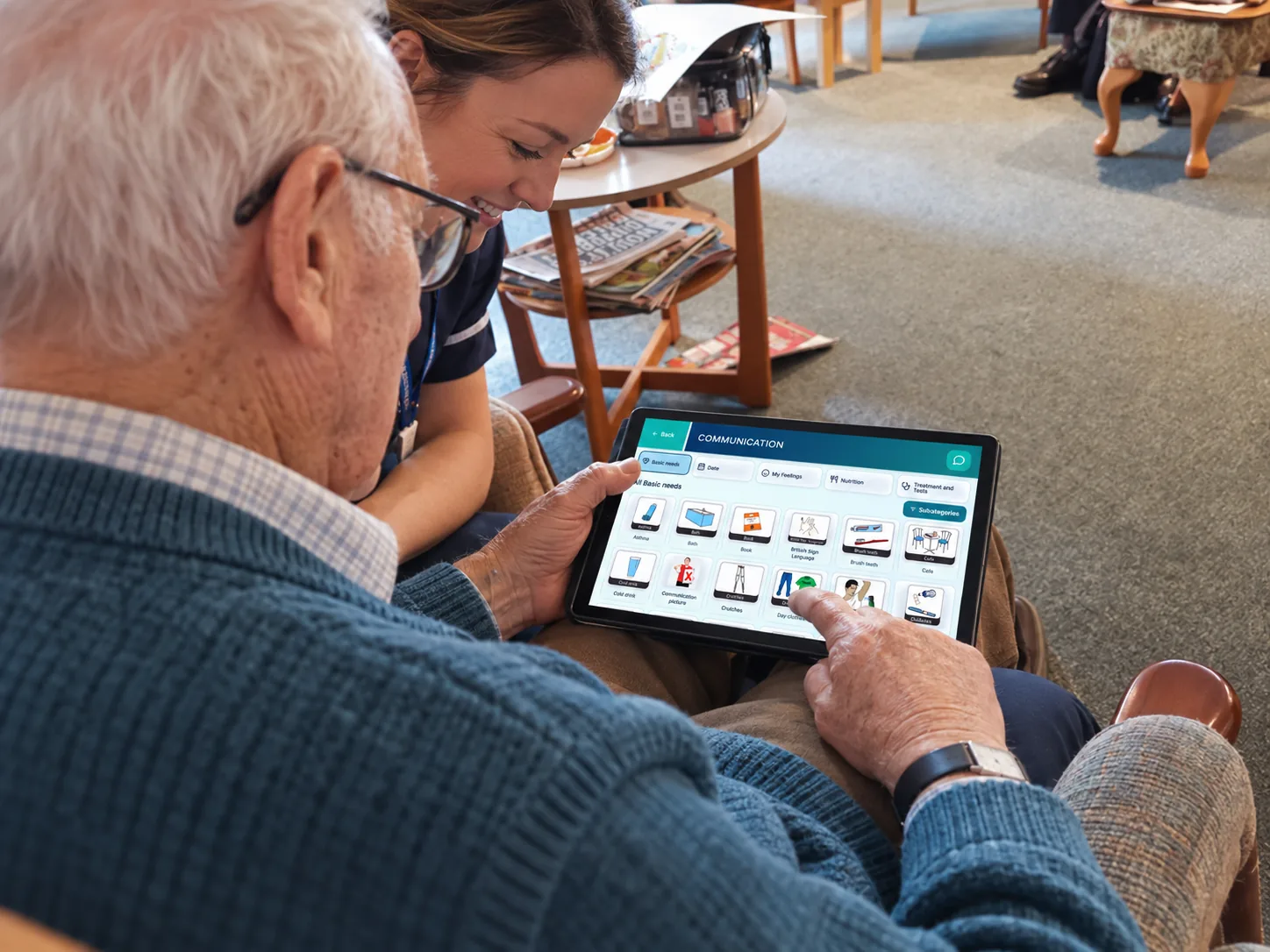
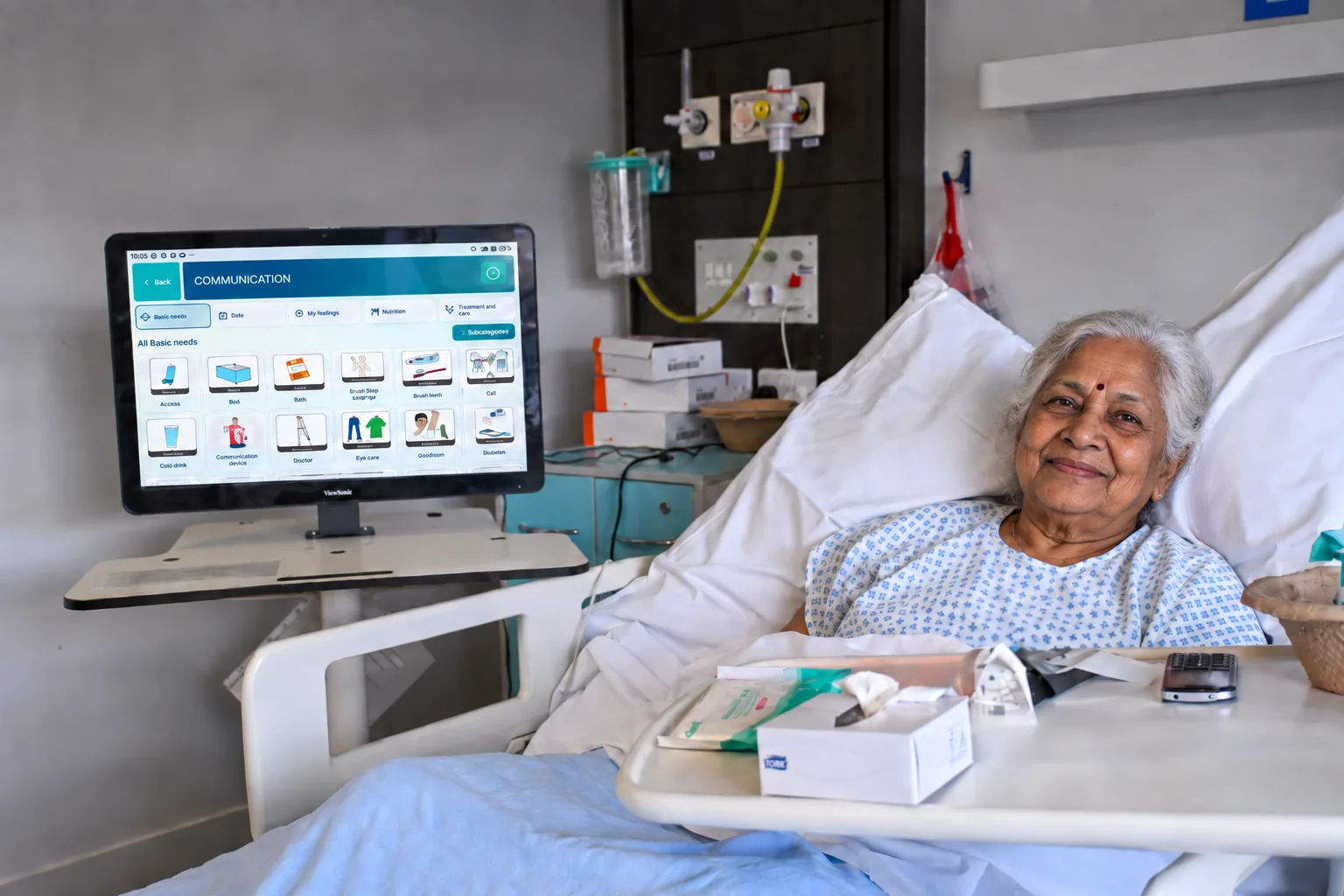
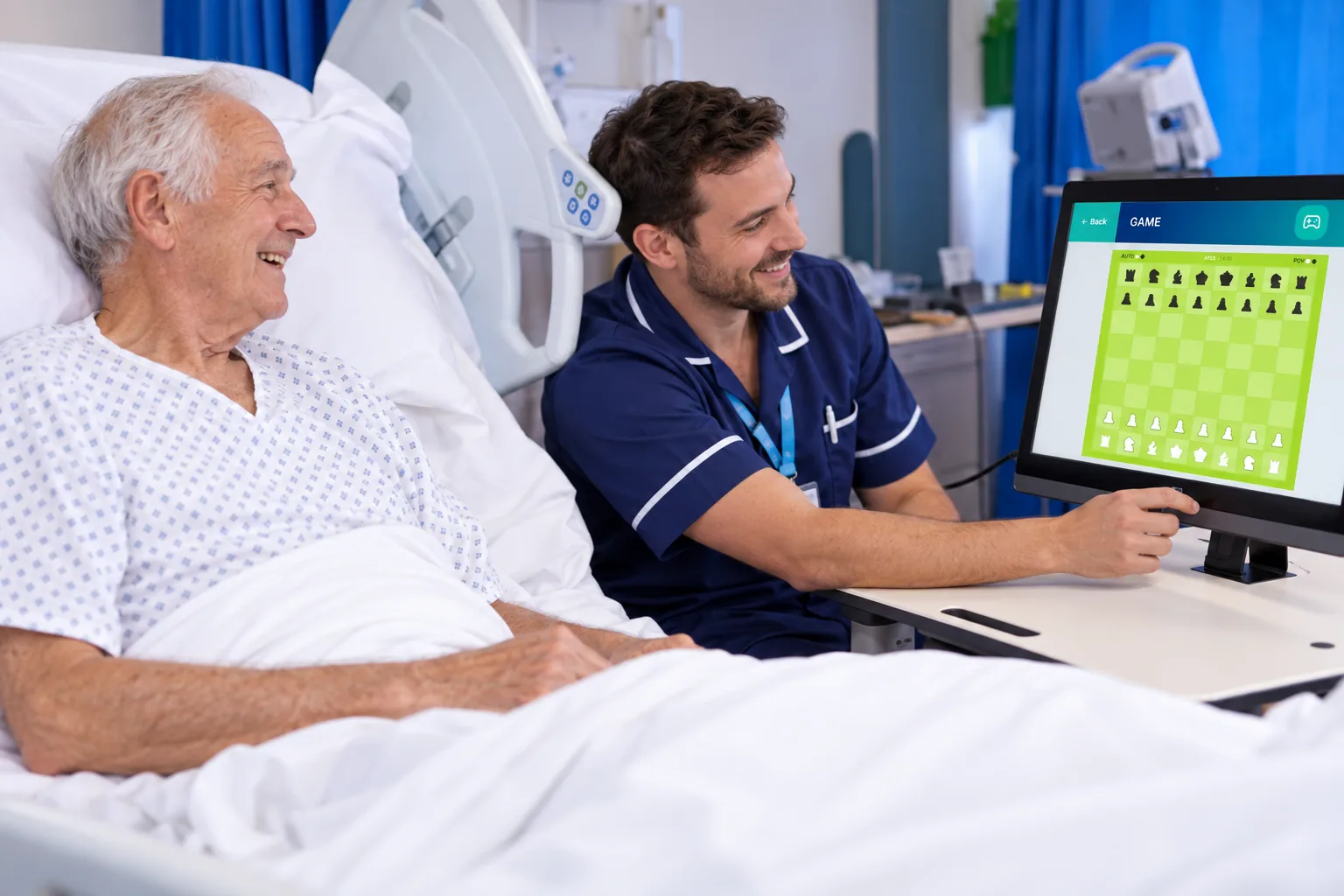
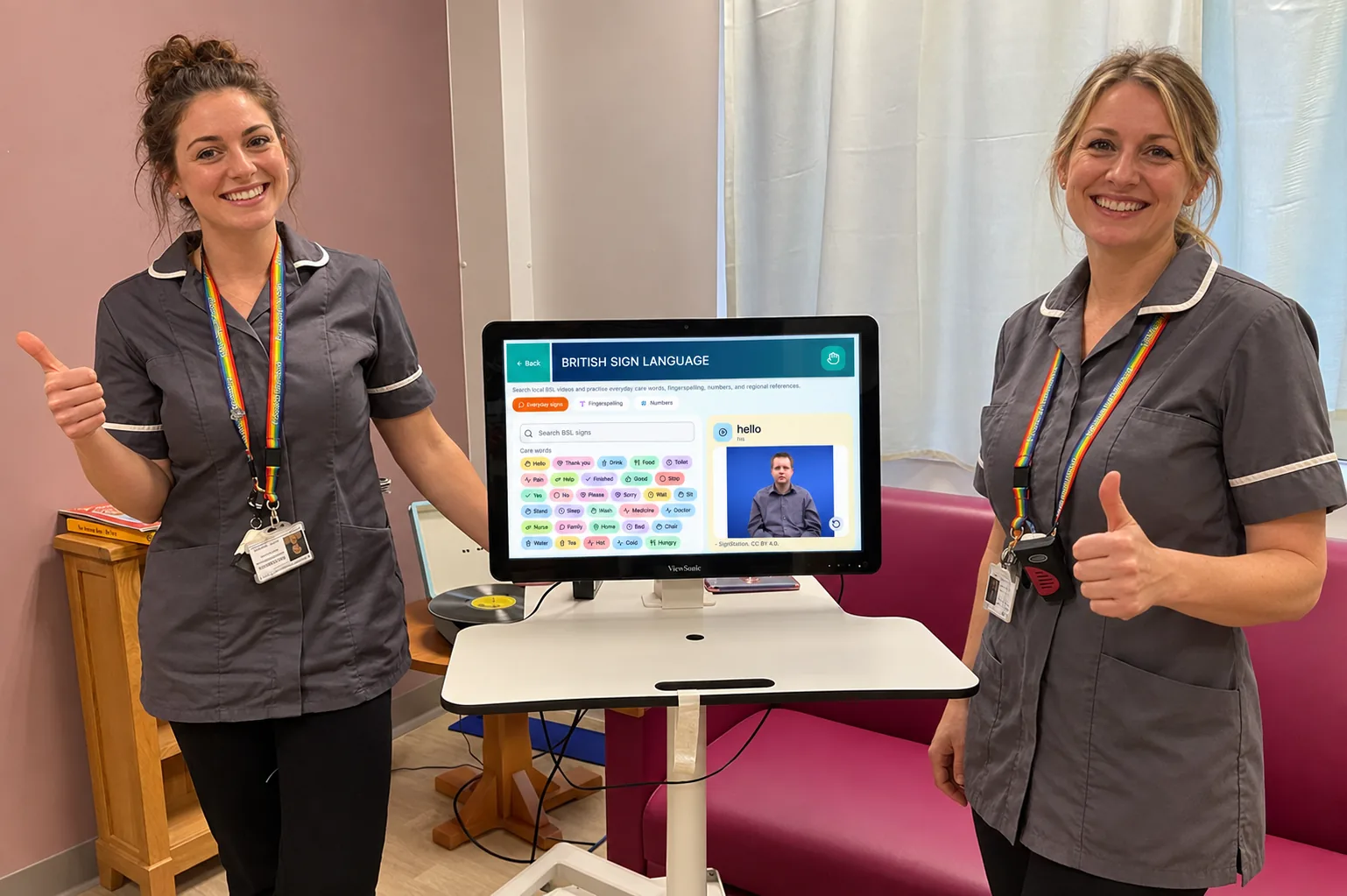
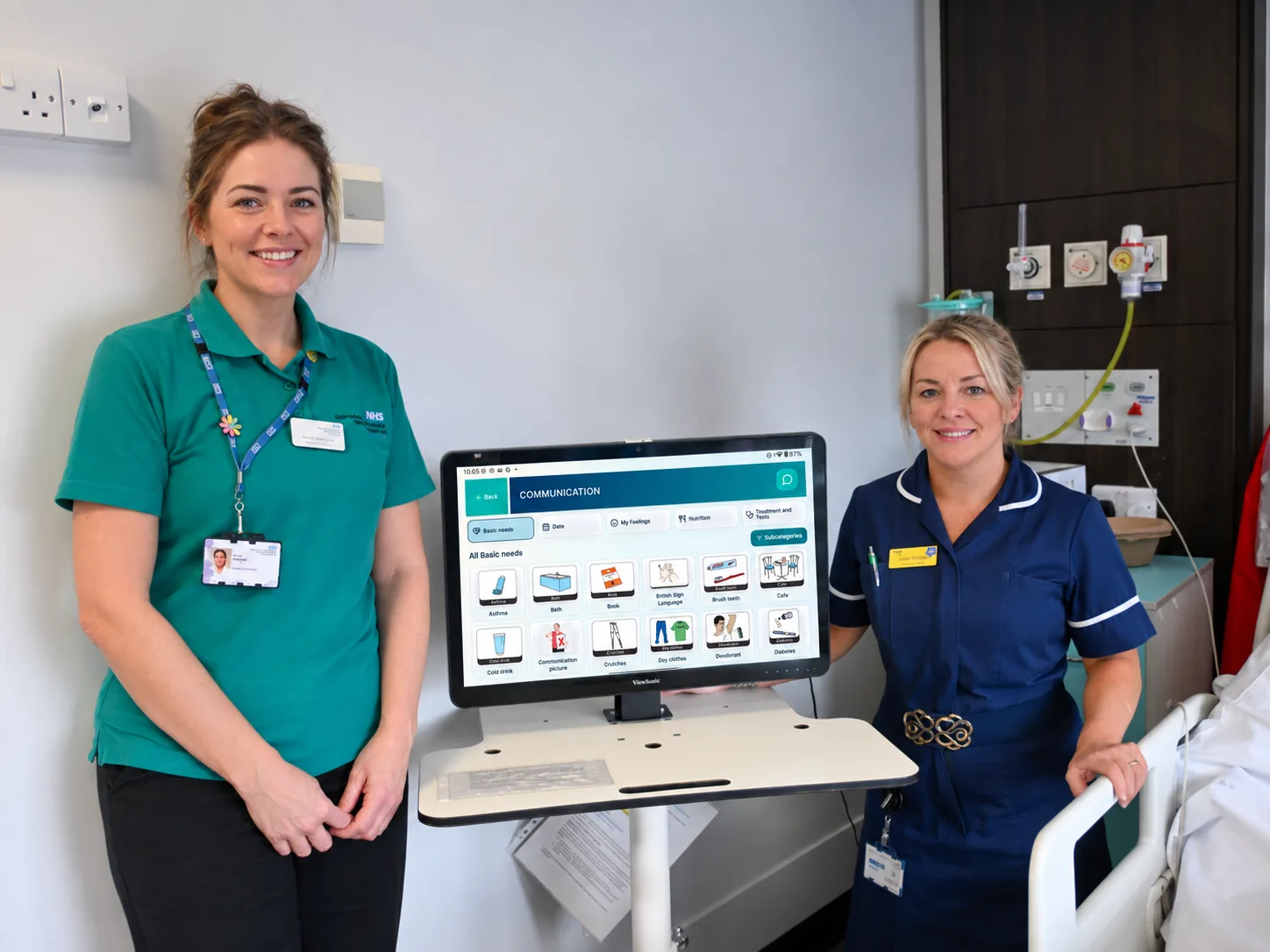
Image 1 of 5
See what this could look like in your care setting.
Book a demoCare is personal. So is connection.
TESS brings more starting points for the moments that make a day feel like your own.
From a song that brings back a memory to a game shared with a visitor, TESS helps residents, families and care teams explore activities together.
Choose touch, a keyboard, a mouse or a stylus to find a comfortable way to take part, using compatible accessories.
Illustrative care-setting imagery.
Follow what interests you
Explore the available activities in a demo. Features, content and compatibility vary by app release and plan.
Prompts and conversation to explore together. AI can get things wrong; use it for engagement, never as clinical advice.
Explore communication tools and sign-based activities with support suited to the person. These do not replace a qualified interpreter.
Choose an activity that matches the person’s interests, energy and preferences. Enjoy taking part without pressure to perform.
Make room for familiar subjects, shared stories and the experiences that matter to someone.
Listen, watch and share favourites. Available services depend on connectivity, location and any third-party accounts or licences.
Use TESS alongside the person, a family member or an activity coordinator. Let their choices lead the experience.
Start with your setting
Every care environment is different. We begin with a demonstration so we can understand who will use TESS, how it will fit into everyday care and which setup is appropriate.
Already have a tablet?
The app is intended for compatible iPad and Android tablets, with a free download.
Check availability and device requirements with us. Ask us which features are available for your device.
Store listings and minimum operating-system requirements have not yet been published on this website. The links above help you ask about the right version for your device.
A little more detail
Book a demonstration so we can understand who will use TESS, how it will fit into everyday care and whether personal, shared or resident-dedicated use is appropriate.
TESS is presented here as an engagement and communication experience. We do not claim it diagnoses, treats or prevents any condition. Activities should be chosen around individual preferences and support needs.
TESS is designed with shared and supported use in care settings in mind. Ask us about device management, hygiene instructions, account permissions and shared-device use before ordering for your organisation.
Yes—request a free demonstration and tell us who will be using TESS. We can discuss the activities, interaction options and requirements relevant to your setting.
Online features, downloads and streaming require a suitable internet connection. Ask us to confirm any offline activities in the current app release.
A conversation is a good start
See TESS with your residents, patients or family in mind.